Last updated: 27 September 2026.
This policy covers The Options Guide website, Android app, and iPhone/iPad app. The Android app is developed by Handy Apps. The iOS/iPadOS app is developed by Handy Apps Pte Ltd. Website and app practices are described separately below.
The Options Guide website
Browsing and personal information
You can read the guide and use its search tools without creating an account or providing your name, email address or payment information. The site does not provide account registration or payment forms.
Search and strategy filters
Search results and strategy matches are calculated in your browser using data files served by this website. Your searches are not sent to a third-party search provider.
Search terms and selected filters appear in the page URL so that you can bookmark or share results. These URLs may be saved in your browser history. When you load or share a URL, its search terms or filters can also be visible to the website server or the recipient. Avoid entering personal or sensitive information into search fields.
Cookies, advertising and analytics
We use an IP-to-country database on our own server to select the analytics consent experience. In the EEA, UK and Switzerland, a banner asks for your choice and Analytics stays off until you accept. If your country cannot be determined, no automatic banner appears and Analytics loads unless you have rejected it. In other detected countries it may load automatically unless you have rejected it. Use Cookie settings on this privacy page to accept or reject analytics at any time. We remember your choice in a first-party cookie for 180 days. Rejecting disables future Analytics measurement and removes accessible Google Analytics cookies, but does not automatically erase previously collected records. Country lookup is approximate, and no visitor IP address is sent to the geolocation provider. IP Geolocation by DB-IP.
The production website uses Google Analytics to understand visits and how people use the site. Google Analytics uses cookies and collects information such as pages viewed, browser and device information, and interactions. Google Signals and advertising personalization are disabled in our tag configuration. Local development previews do not load this tag. Learn more about how Google uses information from sites that use its services and the Google Analytics opt-out browser add-on.
Our Google Analytics retention setting is 14 months for the user-level and event-level data covered by Google Analytics’ retention controls. This setting does not apply to all standard aggregated reports. Google’s processing schedules and applicable retention rules, including any reset of user-data retention following new activity, mean that it is not a promise that every Analytics record disappears exactly 14 months after collection. See Google Analytics data retention. You can change your analytics choice through Cookie settings in the footer.
Website requests and server logs
Your browser sends requests to the server to load pages, images and search data. Our website access logs record IP addresses, request timestamps, requested paths and query strings, HTTP methods, user-agent and referrer information, server details, response and error codes, and processing time. The configured fields may include an authenticated username when supplied. Cookies and request bodies are not included in those access-log fields, but URLs and referrers can contain information supplied by visitors.
Website access-log files stored on our server are removed during daily cleanup once their last-modified timestamp is more than 30 days old. This applies to the main website and its redirect site.
The cutoff uses the file’s last-modified time in UTC. Current-day, newest and open log files are protected; missed runs or cleanup failures can delay removal.
Separate server-wide HTTP error logs (HTTPERR) may record client and server addresses and ports, request details, status codes and error diagnostics. Windows maintenance cleanup does not guarantee a maximum retention period for HTTPERR. The 30-day website access-log rule does not cover HTTPERR or hosting-provider backups. We have not verified whether hosting-provider backups contain logs or how long such backups are retained.
Links to other websites
The guide includes links to external websites, including social media pages. Clicking a link takes you to a service with its own privacy practices. Those services may collect information or use cookies under their own policies.
Saved website calculations
When you save a calculation on the website, its inputs, scenario, optional name and save time are stored in this browser’s local storage. You can delete a saved calculation using the calculator’s Delete control. Clearing this site’s browser data removes saved calculations and may also remove your cookie preference, so you may need to choose it again.
Website quiz progress
The Options Knowledge Quiz stores your scores, passed levels, attempt counts, previous question set and unfinished test in this browser’s local storage. An unfinished test includes its question order and selected answers. No login is required, and progress is not synchronized across devices. Clearing this site’s browser data removes this progress. Quiz analytics follow the website’s existing analytics preferences and report aggregate events such as starting or completing a level, score and duration; they do not send your individual answers or question IDs.
Embedded website charts
Some website pages load embedded price charts from TradingView. Loading a chart makes requests to that third-party service, which receives technical information such as your IP address and browser information and may use cookies or similar technologies under its own privacy practices. The website’s Google Analytics choice does not control these chart requests. See TradingView’s privacy policy.
Market research links and calendars
Research links to Market Chameleon include our publisher identifier and codes identifying the page and placement. These links do not include your calculator inputs, saved positions or journal entries. The destination receives ordinary browser request information and may use cookies or similar technologies to attribute visits under its own privacy practices.
The earnings and dividend calendars load automatically and connect to Market Chameleon when you open their pages. Loading one sends technical information such as your IP address and browser information to that service, which may use cookies or similar technologies. Our Google Analytics preference does not control this separate connection. Each calendar also includes a direct link to Market Chameleon. See Market Chameleon’s privacy policy.
The Options Guide Android app
This section describes The Options Guide Android app, developed by Handy Apps, version 1.4.0. Its application ID is com.theoptionsguide.app. The website practices described above are separate from the app’s behavior.
Offline use and information collection
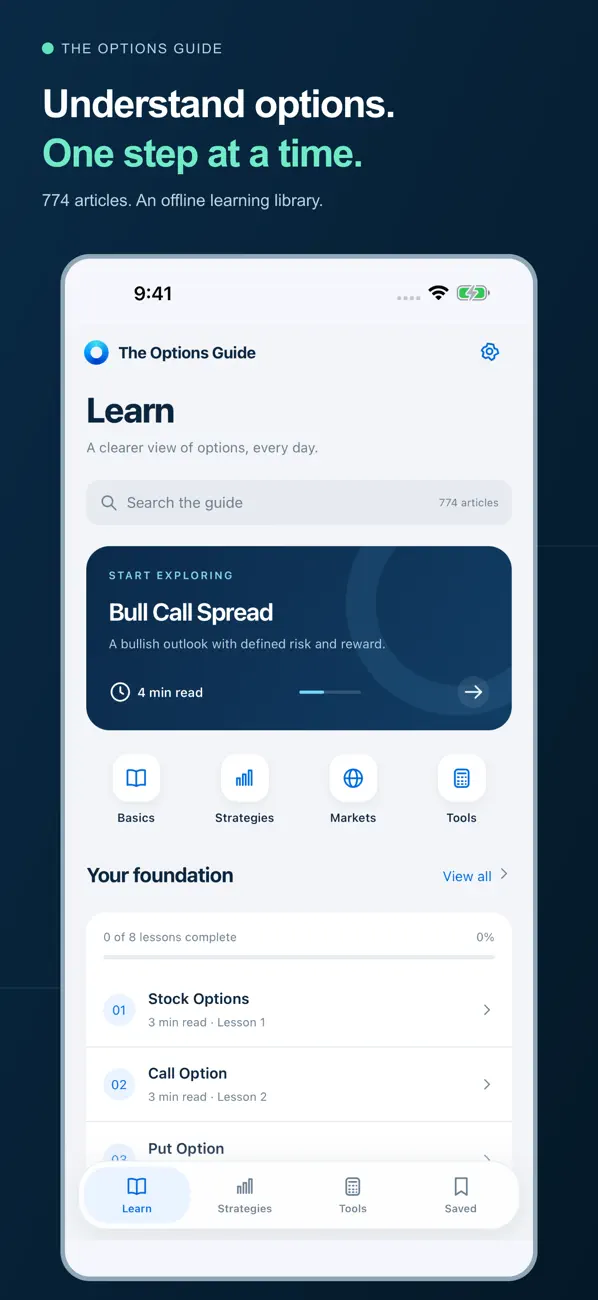
The app’s bundled articles and calculators work offline. It has no account registration or login, no advertising SDK, no analytics SDK, and no Android INTERNET permission. The app does not send its locally stored bookmarks, reading progress, saved calculator scenarios or theme preferences to us.
Data stored on your device
Bookmarks, reading progress, saved calculator scenarios and theme preferences are stored locally on your device. Android app backup is disabled for this version.
Deleting app data
Clearing the app’s storage through Android Settings, or uninstalling the app, removes its locally stored data. This removes the saved bookmarks, reading progress, calculator scenarios and theme preferences described above.
External websites and price charts
External website and price-chart links open in your device’s browser. The destination’s privacy practices apply there. If you open The Options Guide website, the website analytics, cookies and other practices described in this policy apply to that browser visit. Deleting the app’s data does not clear your browser’s website data or delete emails you have sent.
The Options Guide iPhone and iPad app
This section applies to The Options Guide for iOS/iPadOS, version 1.0, developed by Handy Apps Pte Ltd. Its bundle identifier is com.theoptionsguide.app.
Offline use
Bundled articles and built-in calculators work offline. No account or login is required. The offline app contains no advertising or analytics SDK.
Data stored on your device
Bookmarks, saved calculator scenarios, completed lessons, your last-read article, and appearance, text-size and tablet-layout preferences stay on your device. The app does not send these to us or synchronize them through an app account.
Removing local app data
You can remove individual bookmarks and saved calculator scenarios in Saved. Deleting the app removes its local data from the device; offloading the app can preserve that data, and device backups may retain a copy. Removing app data does not delete support emails or necessarily remove separately stored website data.
Website tools, external references and sharing
Website tools and external references open in an in-app Safari browser view. Website analytics, cookies, server logs and third-party charts apply where present, under the website practices described above and the destination’s own privacy policy. The app does not attach saved calculator scenarios or reading progress to those links.
When you share an article, the app passes its title and link to the destination you choose.
Support and privacy contact
For support or privacy requests concerning The Options Guide website, Android app or iPhone/iPad app, email theoptionsguide@gmail.com. The Android app’s developer is Handy Apps; the iOS/iPadOS app’s developer is Handy Apps Pte Ltd.
Support correspondence contains your sender email address, message and any attachments you choose to send. We use this information to respond to your request and retain the correspondence for 12 months after the request is resolved. This correspondence is separate from the app’s local data. Do not include information you do not wish to share.
You can email theoptionsguide@gmail.com to request deletion of records we hold. Device-only app data must be removed on your device because we do not receive a copy. Removing app data does not delete support correspondence or necessarily clear separately stored website data.
Changes to this policy
We will update this page when the website’s or apps’ information-handling practices change. The app statements above apply to Android version 1.4.0 and iOS/iPadOS version 1.0. We will reassess these practices when features, SDKs, collection or retention change. These statements should not be assumed to describe future app versions.
Learning checklist and trading journal
The learning checklist saves its checkbox state in this browser only when you choose Save checks. The trading journal stores the notes, contract descriptions, cash totals and open-position values you enter when you save an entry. These tools do not send entries to our servers or analytics. Records do not synchronize across devices. You can reset checklist checks, delete journal entries and export your journal as a CSV file. Clearing this site’s browser data removes locally stored records. Existing website analytics and other page requests remain subject to the preferences described in this policy.